How to Check a Link Before You Click It (and Why It Matters)
Written by Code Pearl Team
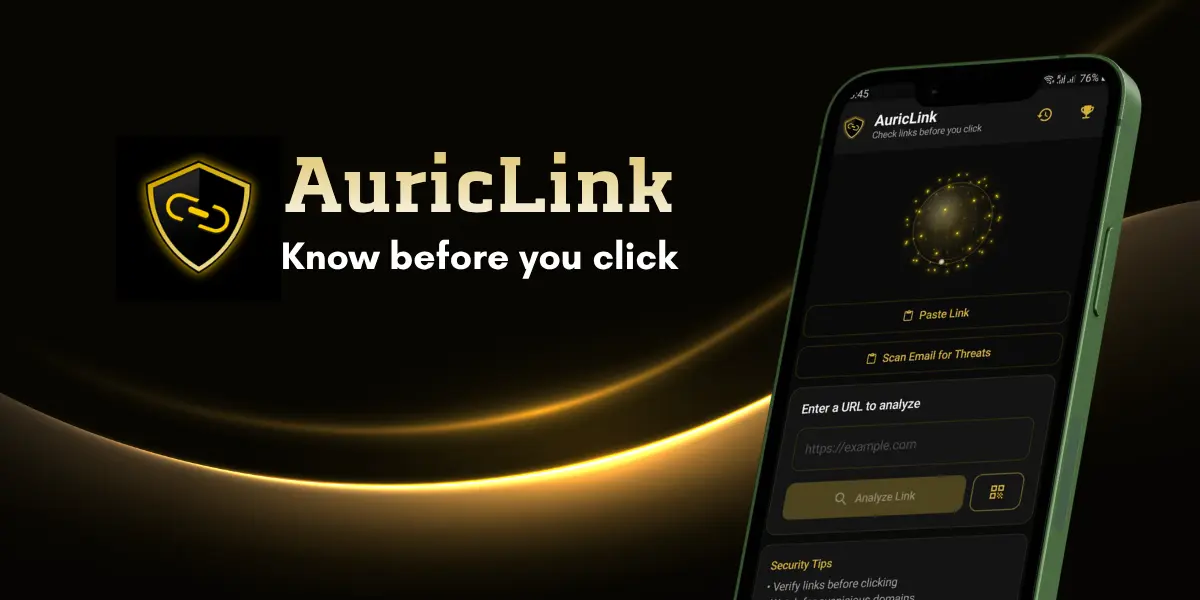
Learn how to quickly check whether a link is safe before opening it, what warning signs to look for, and how link scoring can help you browse with more confidence.
Most people click links without thinking. A message from a friend, a delivery update, a login prompt, a deal that looks too good to pass up. The link opens, the page loads, and nothing seems wrong, so you move on. The problem is that the dangerous links rarely look dangerous in the moment.
A link is one of the easiest ways for someone to send you somewhere you did not intend to go. It can lead to a fake login page, a file download, a page full of aggressive ads, or a site that quietly collects more than it should. Checking a link before you open it takes a few seconds and removes most of the guesswork.
Why Checking a Link First Is Worth the Effort
Phishing and scam links work because they blend in. They use familiar names, urgent wording, and pages that look close enough to the real thing. If you only judge a link by how it appears in a message, you are relying on the sender, and the sender may not be who they claim to be.
A quick check flips that around. Instead of reacting to the message, you look at the link itself: where it actually points, how the domain is built, whether it uses secure connections, and whether it shows any of the patterns that scammers tend to reuse. None of that guarantees safety on its own, but together those signals tell a much clearer story than a first glance ever could.
Can You Tell If a Link Is Safe Just by Looking at It?
Sometimes, yes. A link that ends in a strange string of characters, uses a domain you do not recognize, or asks you to log in through a URL that has nothing to do with the company it claims to be from is a warning sign. But most links are not that obvious, and a link can look completely normal and still be risky.
Shortened links make this harder, because the visible URL tells you almost nothing about the destination. A link that looks like a harmless redirect could lead anywhere. This is exactly why a proper check should look beyond the surface and examine the destination behind the link.
The Main Warning Signs in a Risky Link
Most risky links share a handful of traits. A check that looks at these traits can catch a lot of problems before you ever open the page:
The domain is a lookalike or a misspelling of a well-known brand, such as a familiar name with extra characters, a swapped letter, or a different ending., The link uses an insecure connection where a secure one is expected, especially on pages that ask for a password or payment., The destination is a shortener or a chain of redirects that hides where the link really goes., The URL is unusually long or stuffed with parameters that do not match what the page claims to be., The page is hosted on a domain with a poor history or one that has only existed for a short time., The link arrives with urgency, such as a threat of account closure or a payment that must happen right now.
No single item on that list proves a link is malicious. The value comes from seeing them together. A shortener on its own is normal. A shortener leading to an insecure page on a brand-new domain that imitates a bank is a very different situation.
Method 1: Hover, Long-Press, and Read the Destination
The simplest check is free and takes a second. On a computer, hover over the link and look at where it actually points in the status bar. On your phone, long-press the link to preview the destination before opening it. If the address does not match the site you expect, stop there.
The limitation is that this only tells you where the link points, not what is waiting on the other side. It also does nothing for shortened links, and it is easy to skip when you are in a hurry.
Method 2: Expand Shortened Links Before Opening Them
When a link comes through a shortener, the visible address tells you nothing useful. Before opening it, paste the link into a link expander, which follows the redirects and shows you the real destination. Once you can see the final address, you can apply the same judgment you would to any other link.
Watch for links that pass through several redirects before landing somewhere. A single redirect is common and usually harmless. A chain of them is often a way of hiding the destination from both you and automated filters.
Method 3: Check the Page Itself Before You Enter Anything
If you have already opened a page and something feels off, you can still check before you type anything. Look at the address bar and confirm the domain matches the service you expect, character for character. Check that the connection is secure. Look for obvious inconsistencies, like a bank page on a domain that has nothing to do with the bank, or a login form that asks for more than it should.
The most important rule here is simple: never enter a password, payment details, or personal information on a page you reached through an unexpected link. If you think the request is genuine, close the page and go to the service directly through its official app or by typing the address yourself.
Method 4: Use a Link Scoring Tool
A link checker looks at the destination the way a cautious person would, only faster and with more signals. It examines the domain, the connection, the redirect path, and the reputation of the destination, then turns those findings into a single score you can act on.
That score is the useful part. Rather than handing you a wall of technical details, it gives you a percentage that reflects how risky the link appears, so you can decide whether to open it, treat it carefully, or avoid it entirely.
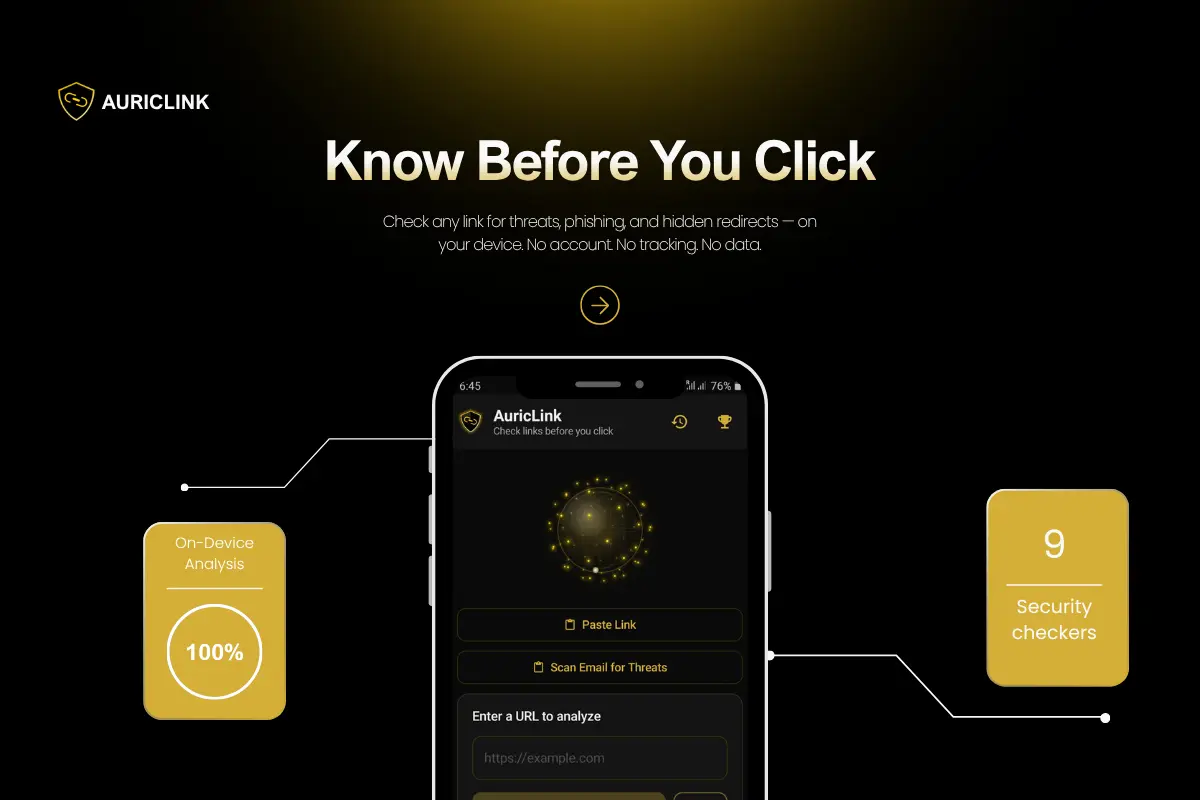
There are several tools that work this way. Auric Link is one of them: it runs a link through a set of checks and combines the results into a risk percentage, based on the domain structure, connection security, redirect behavior, and other patterns that tend to show up in risky destinations. A low score means the link looks clean across those signals. A high score means something does not add up and you should slow down.
This is especially useful for links you receive but did not ask for, links behind a shortener, and links that claim to be from a company you deal with. Whichever tool you choose, you get a clear number instead of a vague feeling.
Why a Score Beats a Simple Safe or Unsafe Label
Links are not neatly divided into good and bad. A site can be legitimate but poorly maintained, or new but harmless, or old and compromised. A yes-or-no label hides that nuance and trains you to stop thinking.
A percentage gives you room to judge. A very low score is a green light. A middling score is a prompt to look closer before entering any details. A high score is a clear signal to walk away. The decision stays yours, but it is now informed.
Common Questions About Link Checking
Can a link checker guarantee a link is safe?
No tool can promise that. A high safety score means the link passed the checks that were run and shows no obvious risk signals. It is strong evidence, not a guarantee, so it is still worth staying careful on pages that ask for passwords or payment.
What should I do with a link that scores poorly?
Do not open it from the message you received. If you think the link relates to a real account or service, go to that service directly through its official app or by typing the address yourself, then check from there. If the link is genuinely from someone you know, confirm with them through another channel before clicking.
Final Thoughts
Checking a link takes seconds, but the habit changes how you handle everything you receive. You stop treating a click as a reflex and start treating it as a small decision, which is exactly what it is.
Whether you use a quick manual check or a dedicated tool like Auric Link, the point is the same: know what you are opening before you open it. A few seconds of caution is a lot cheaper than cleaning up after a bad click.
Auric Link
Scan any link and get a clear safety score based on multiple risk signals, so you know what you are opening before you tap it.